If you run a YouTube channel, you already know this:
You often spend more time on thumbnails and images than on the actual video.
Especially if you’re a solo creator like me—
shooting, editing, uploading, and managing everything alone—there’s always this thought in the back of your mind:
“Is this image safe to use?”
“What if I get a copyright email later?”
That constant anxiety adds up.
That’s why lately, I’ve been using Adobe Firefly more and more.
There are many AI image tools out there, but Firefly feels different—
especially from a YouTuber’s point of view.
Here are the three real reasons why I think YouTubers should seriously consider using it.
1. You Can Finally Relax About Copyright
This is the biggest reason.
When you use AI images for thumbnails, there’s always that uncomfortable feeling:
“Will this cause problems later?”
Adobe Firefly was built from the start for commercial use.
That alone makes a huge psychological difference.
What I personally like:
- The image sources are clearly licensed
- Safe to use for YouTube thumbnails, ads, and branding
- No need to Google “Is this image allowed?” every single time
If you plan to do YouTube long-term,
reducing this kind of mental stress actually matters more than you think.
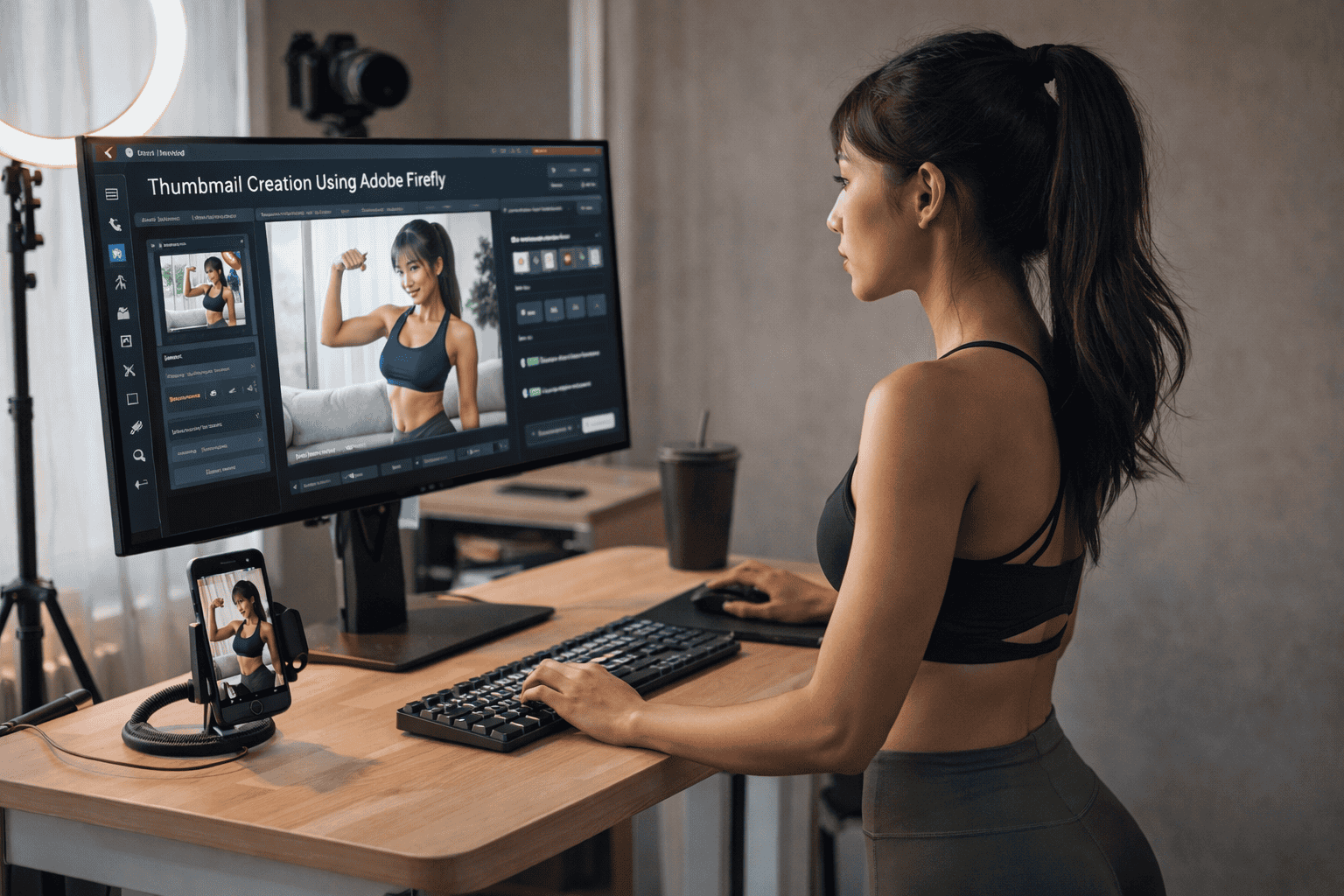
2. Thumbnail Creation Takes Much Less Time
Creating a thumbnail sounds simple—but it rarely is.
Search for images → edit → combine → adjust → redo
This loop eats up way more time than expected.
With Firefly:
- You describe the mood or concept in text
- It generates usable images instantly
- You can refine them directly in Photoshop
It doesn’t feel like “perfect final art,”
but more like getting a very strong starting draft—which is exactly what creators need.
I personally use it a lot for:
- Planning thumbnail concepts before filming
- Creating background images for Shorts
It speeds things up in a very practical way.
3. It Fits Naturally Into Adobe Tools You Already Use
Most YouTubers already use at least one of these:
- Photoshop
- Premiere Pro
Firefly integrates smoothly inside the Adobe ecosystem.
What stood out to me:
- Generate → edit → finalize without breaking workflow
- No annoying file format issues
- It feels less like “another AI tool” and more like a natural extension of existing work
Ironically, adding more tools often slows you down.
Firefly doesn’t—it blends in.
Who Adobe Firefly Is Especially Good For
- Solo YouTubers
- Creators who make their own thumbnails
- Anyone constantly worried about image copyright
- Channels running both Shorts and long-form videos
Can You Try It for Free?
Yes.
- All you need is an Adobe account
- You can test it with free credits at first
I started with the mindset:
“I’ll try it—and stop if it’s not useful.”
I ended up keeping it.
Final Thoughts
Adobe Firefly isn’t about creating “museum-level art.”
It’s more like a practical working tool for real creators.
- Less copyright stress
- Faster thumbnail workflow
- No disruption to existing tools
Those three things alone are why I keep using it.
In one sentence:
For YouTubers, Adobe Firefly isn’t a “nice-to-have.”
It’s a realistic tool that actually reduces workload.
Thanks for reading.