One click, and the professional touch is complete. We have entered an era where anyone can create flawless photos without ever touching Photoshop. Check out the most powerful image editing AI solutions right now and slash your workflow time by 10x.
Image Editing AI Recommendations: The Ultimate 2026 Tool Guide
The core of digital content creation is speed and quality. Sophisticated editing tasks that once required years of design experience are now completed in seconds through artificial intelligence. In particular, image editing AI technology has evolved beyond simple filters to advanced realms like object removal and generative background creation. This guide analyzes the top-rated tools on the market and suggests the best options for your specific needs.
🤖 AI Core Summary
Image editing AI refers to tools that automate photo noise reduction, object synthesis, and background generation using AI algorithms. You can modify specific parts of an image using only text prompts without complex layering. Representative tools include Adobe Firefly, Canva AI, and the high-performance open-source Stable Diffusion. Users can maximize efficiency by selecting the right tool based on their skill level and task purpose.
1. Definition and Principles of Image Editing AI
Image editing AI is software that analyzes and reconstructs image data based on deep learning models. These tools learn the shapes of objects and the texture of light by training on millions of images. When a user selects an area and issues a command, the AI generates a new image while maintaining harmony with surrounding pixels. This technology is being actively integrated into commercial software, such as the Generative Fill feature provided on the official Adobe website.
2. Key Features and Comparison of Major Tools
While many AI tools exist, their strengths are clearly distinct. Here is a summary of major services tailored to different user requirements.
For Professional Precision: Adobe Firefly
Adobe Firefly is integrated directly into Photoshop and offers the most powerful editing features. It is trained on data safe for commercial use, making it ideal for corporate environments.
For Versatility and Ease: Canva AI
Canva is the best platform for design beginners. Its drag-and-drop interface combined with the AI Magic Editor allows anyone to produce high-quality images easily.
For Maximum Freedom: Stable Diffusion
This open-source model allows users to fine-tune the AI themselves. While it requires a high-end PC environment, it offers the most granular control over the final output.
Image Editing AI Tool Comparison Table
| Category | Key Features | Difficulty | Recommended For |
| Adobe Firefly | Generative Fill, Text Effects | Medium | Pro Designers |
| Canva AI | Magic Editor, Background Remover | Low | Marketers, Students |
| Stable Diffusion | Custom Modeling, Precision Control | High | Advanced Users |
3. Advantages and Limitations of Image Editing AI
Key Advantages
- Time Efficiency: Tasks that took hours manually are processed in seconds.
- Expanding Creativity: Ideas in your imagination can be visualized just by typing text.
- Cost-Effectiveness: Achieve high-level results without expensive equipment or large teams.
Technical Limitations and Cautions
AI editing is not yet perfect. Errors can occur in rendering human fingers or complex text. Furthermore, as seen in legal news regarding AI, copyright ownership of AI-generated images is still a subject of ongoing legal debate. Therefore, it is essential to check the terms of service before commercial use.
4. Target Audience and Usage Tips
Based on my personal testing, image editing AI shows phenomenal performance in tasks like removing logos or changing the color of a subject’s clothing. For beginners, I recommend trying the Canva official website first, as it works directly in your web browser.
- Content Creators: Use background expansion to optimize YouTube thumbnails.
- E-commerce Owners: Save on photoshoot costs by swapping backgrounds to match the season.
- General Users: Restore old, low-resolution photos to bring back precious memories.
Conclusion
Image editing AI is no longer an option but a necessity. By utilizing AI as a creative partner rather than just a correction tool, you can drastically improve your productivity. Choose one of the tools introduced today and start creating your first AI artwork immediately.
❓ Frequently Asked Questions (FAQ)
Q1. Can images edited with AI be used commercially?
This depends on the tool’s policy. Adobe Firefly officially supports commercial use, but free open-source models may require attribution or have restrictions. Always verify the terms.
Q2. Which AI is easiest for a total beginner?
Canva AI is highly recommended. It requires no installation, works on the web, and features an intuitive UI that allows for immediate editing without a learning curve.
Q3. Will AI completely replace human designers?
No, it should be viewed as a collaboration. AI will handle repetitive and technical tasks, while human designers focus on high-level planning and emotional detail.
Q4. Are there any free image editing AI tools?
Yes, you can use Bing Image Creator, Canva’s free plan, or the open-source Stable Diffusion for free. However, free versions may have limits on generation counts or features.
─────────
4. Image ALT Text Recommendations
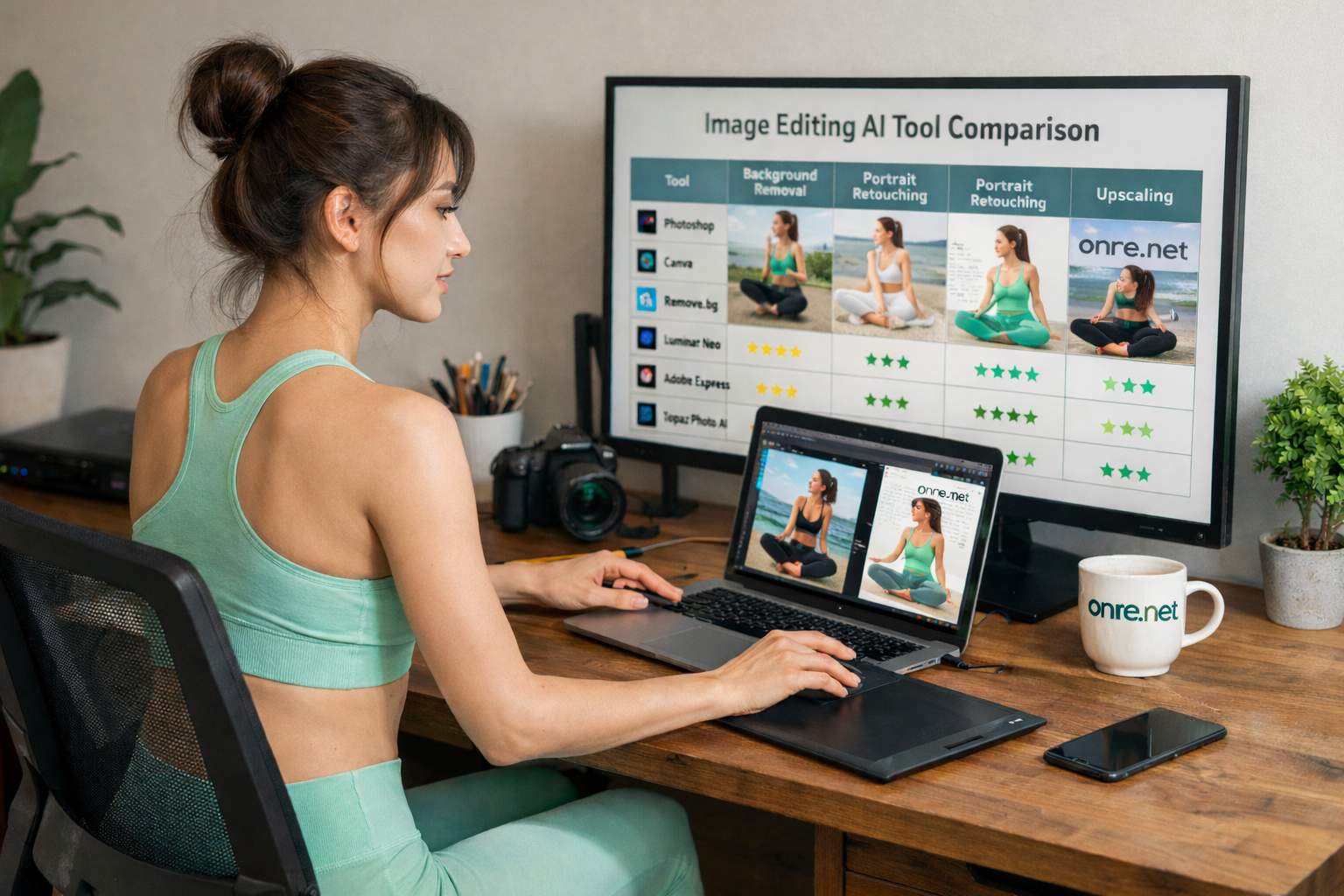
- Comparison table showing performance of different image editing AI tools.
- Workspace view of image editing AI using Canva and Adobe Firefly.
- Examples of background removal and generation using image editing AI technology.
Would you like me to create a more detailed tutorial for a specific tool like Adobe Firefly or Canva?