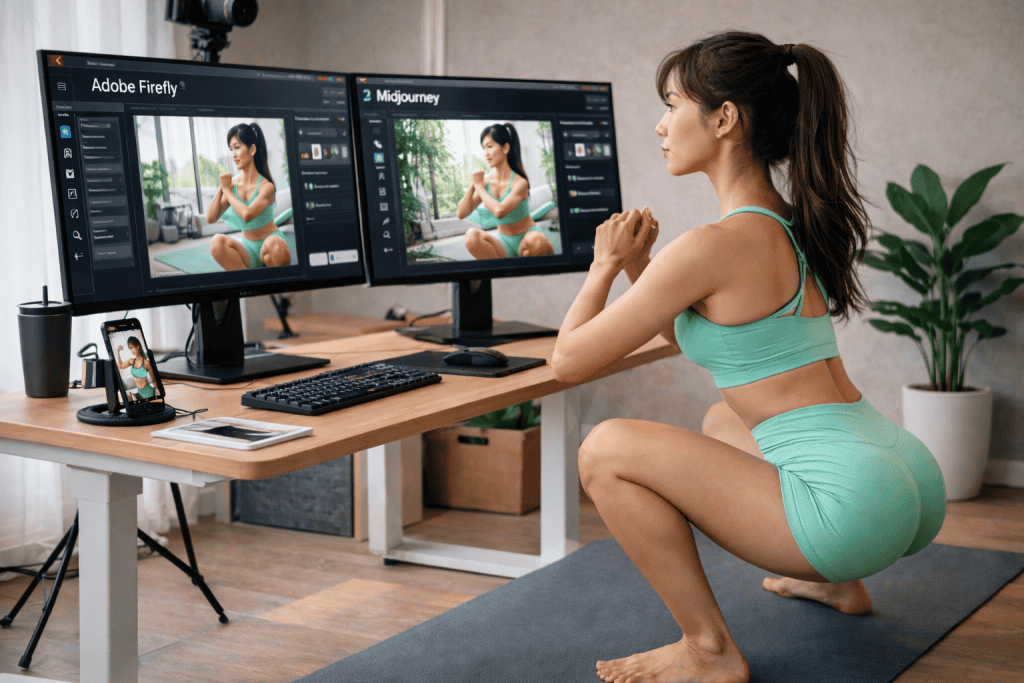

Adobe Firefly vs. Midjourney
Which AI Is Better for Content Creators?
If you’re a YouTuber who has tried AI image generation,
you’ve probably thought about these two tools at least once—or you may already be using both.
- Adobe Firefly
- Midjourney
Both generate great images.
The real question isn’t “Which AI draws better?”
It’s “Which one is actually more convenient when creating content?”
From a content creator’s point of view, here’s a realistic comparison.
related posts: Why Every YouTuber Needs Adobe Firefly
Straight to the Point: The Bottom Line
- Adobe Firefly
→ Clear commercial usage rights and a fast, smooth workflow - Midjourney
→ Strong visual impact and artistic, emotional style
In short:
- If you create content consistently, Firefly fits better
- If you need one powerful, eye-catching image, Midjourney stands out
That’s how it usually breaks down.
Copyright & Commercial Use Stability
Adobe Firefly
Firefly’s biggest advantage is the clarity around commercial use.
- Trained on Adobe Stock and publicly licensed content
- Safe for thumbnails, ads, and branding
- Almost no need to worry about “Can I really use this?”
The longer you run a content channel,
the more important this kind of stability becomes.
Midjourney
Midjourney delivers excellent image quality, but
users need to be more careful about usage rights.
- You need to read and understand the terms yourself
- Commercial use can be confusing depending on the plan
- Sensitive to platform and policy changes
In terms of legal and commercial safety, Firefly clearly has the edge.
Image Style & Output Characteristics
Midjourney’s Strengths
- Emotional, artistic visuals
- Movie-poster-like aesthetics
- Images that are instantly memorable
When a thumbnail needs to stand out aggressively,
Midjourney is extremely effective.
Firefly’s Style
- More realistic results
- Subtle, less exaggerated visuals
- Easier to edit and refine
Firefly is better at producing images that feel like raw materials,
rather than finished artwork—and that’s actually very important.
Speed & Practical Usability
Firefly
- Text input → instant image generation
- Direct integration with Photoshop
- Editing and retouching flow stays uninterrupted
This makes Firefly ideal for thumbnails, where you need to
create quickly and revise quickly.
Midjourney
- Discord-based workflow
- Prompt changes require full re-generation
- The workflow can feel interrupted
For everyday content production, Firefly is noticeably faster.
Which Tool Fits Content Creators Better?
Adobe Firefly Is a Good Fit If You:
- Run a YouTube channel consistently
- Frequently create thumbnails and images
- Don’t want stress over copyright issues
- Already use Photoshop or Premiere Pro
Midjourney Is a Good Fit If You:
- Focus on artistic or emotional content
- Need strong visual impact
- Care deeply about the quality of a single image
How Creators Actually Use Them in Practice
In reality, many creators use both like this:
- Main thumbnails / daily content → Firefly
- Experimental thumbnails / high-impact visuals → Midjourney
Rather than choosing just one,
most creators end up splitting roles between the two tools.
Final Thoughts
The key point of this comparison isn’t “Which AI draws better?”
- Firefly is better for long-term, consistent content production
- Midjourney is better for capturing attention with a single image
For content creators, the smartest choice depends on
your workflow and creative priorities.
One-Sentence Summary
Midjourney is for one powerful shot,
while Adobe Firefly is a tool you can keep using every day.
Thank you for reading.